Number-matching practice · Android
Notice more.
Match with care.
A little focus goes a long way. Build visual attention and a steadier scanning habit alongside your bingo play.
An independent companion for supported Bingo Blitz layouts.
Compatible game installed separately.
Practice illustration · not an app screen
A more thoughtful rhythm
Follow the call.
Find your place.
Practise connecting the number you see with its position on the visible cards. Gentle visual cues support your search while every tap stays yours.
- 01 / START
Set your own pace
Open Bingo Master and press START when you are ready. Follow the screen-access steps shown by Android.
- 02 / OBSERVE
Stay with the numbers
Bring your attention from the called number to the cards. Supported layouts can include one to four cards on one visible page.
- 03 / MATCH
Make the connection
Use the game display to check the match and choose your own next tap. Small moments of attention make up a practice session.
Your screen. Your choice.
Designed around
your attention.
Number analysis happens on your device. Android asks before a screen-sharing session begins, and its screen-sharing controls let you end capture.
Read how your information is handled ↗A companion to your play
Bingo Master offers local visual cues for supported layouts. It is a practice aid, not a standalone bingo game.
Animations, themes and layout changes can affect recognition. Some features require Premium and online access checks. The app does not automate taps or guarantee a win.
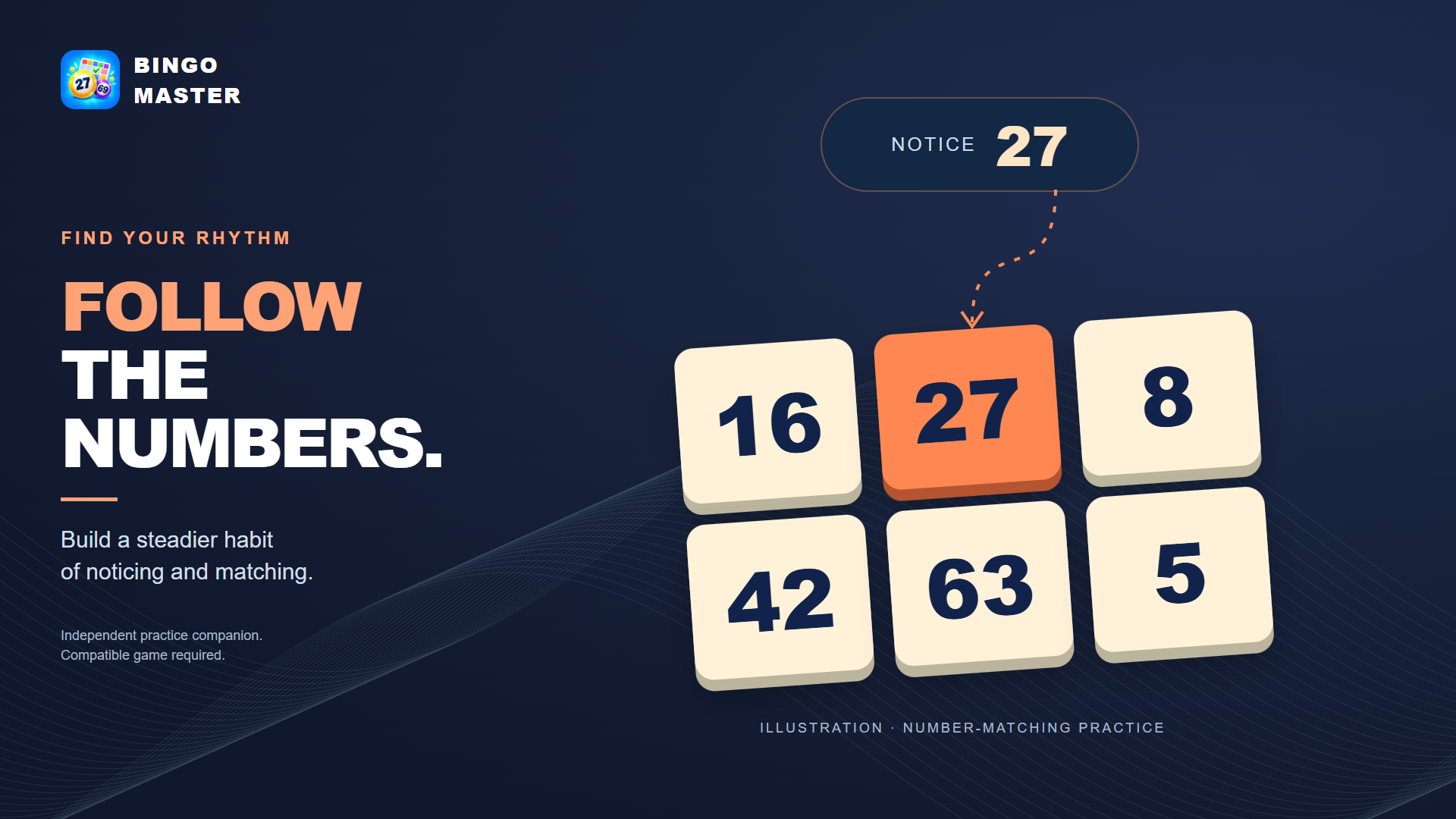
An original illustration of number-matching practice. The game and app interface may differ.
Here when you need us
Keep your practice simple.
Questions about setup, subscriptions or your information?